Screen recordings
that edit themselves
Record your screen, or Claude Code at work. Cuttle cuts the idle, speeds up the waiting, zooms on what you click and type, and masks your keys before anyone sees them. On your Mac or PC, nothing uploaded.
4:12.0 recorded
An example take, played in the page. Switch Cuttle's edits off and on above.
Every cut is an edit you can change
Cuttle's cut is a first draft, not a filter. Each clip, speed, zoom and mask lands on the timeline as an ordinary edit: drag it, trim it, set its speed, redraw it, or switch a whole kind off in the Auto tab. The video you see is exactly what the export renders.

- 1Markers from Claude. Its prompt, its writes and its answer, on the timeline where they happened.
- 2Claude at work, sped up. 64× in this take, with a speed badge; you set the speed.
- 3A zoom that follows. It glides along each line you type and settles on the answer.
- 4A mask. A private path, covered in every frame it shows.
- 5All of it editable. Speed, timing, crop and badge for whatever you select.
Made for Claude Code
Show what Claude built without making anyone sit through the build. --until-claude stops the take when Claude has answered, and its prompt, its tool calls and its answer become markers: the prompt stays readable, the work runs at 12×, the answer gets a zoom.
$ cuttle record --mic --until-claude
# stops when Claude Code in this folder has answered
$ cuttle suggest
# idle cut, waiting sped up, zooms on the answer and on clicks
$ cuttle render --format 16:9 --format 9:16Or just ask
With Cuttle's skill installed, ask Claude Code to record a demo of what you built
. It sets up the take, you give your prompt, and Claude cuts it, checks the stills for anything private and renders the MP4.
Any agent, over MCP
cuttle mcp gives Claude Desktop, Cursor or any MCP client Cuttle's commands as tools: projects, motion pages, music, previews, renders. Recording stays with you; no tool records.
claude mcp add cuttle -- cuttle mcpOne plain file
Every edit is written to cuttle.json as you make it, so Claude, the command line and the editor see the same video. With the project open, you watch each change Claude makes.
{ "type": "clip", "label": "Claude at work",
  "from": 17, "to": 221, "speed": 12,
  "badge": "12× speed" }
Secrets masked before you share
Cuttle reads the screen's text on your computer, with macOS's Vision or Windows' own OCR, and masks what should not be in a video: API keys and tokens, email addresses, IBANs, card and phone numbers, every notification that pops up, and the words you add. A mask stays on text that scrolls, as it comes in and as it goes out.
The project keeps a private thing only as a mark, ⟦key-qwhzbtrk⟧, never as it was.
Masks are suggestions to check, not a guarantee. Look at the stills before you share; cuttle preview --masks shows each mask's edges.
Nothing leaves your computer
Recording, the cut, reading the screen, transcription with Whisper and the export all run on your Mac or PC. Nothing is uploaded.
The one exception is yours to choose: a narration in your ElevenLabs voice sends its text to ElevenLabs. The daily update check sends nothing about you or your recordings, and can be turned off.
Then make it look designed
Backgrounds, window frames, cursor styles, keycaps for the shortcuts you press, a webcam bubble you move and reshape after the take, subtitles word by word, and music written for the video. Save it as a brand kit and the next video wears it with one click.
export function Appearance() {
  const theme = useTheme('system');
  return <Segmented value={theme}
    options={['System', 'Light', 'Dark']} />;
}
Dark mode follows the system
One take, every feed
Export MP4s for YouTube, X, LinkedIn or Reels from the same project, several formats in one go, each rendered by the same engine the editor shows, frame for frame.
YouTube, X, a README
LinkedIn and X feeds
Reels
- Up to
- 3840×2160 · 60 fps · HEVC
- For your editor
- ProRes 4444 with transparency, for Premiere, Final Cut and Resolve
- Words
- Subtitles as SRT and VTT, chapters from your script
- Sound
- Loudness for where it goes, −14 LUFS for YouTube
- Screenshots
- Framed the same way, pixel for pixel, as PNG, JPEG or WebP
Or write the whole video in code
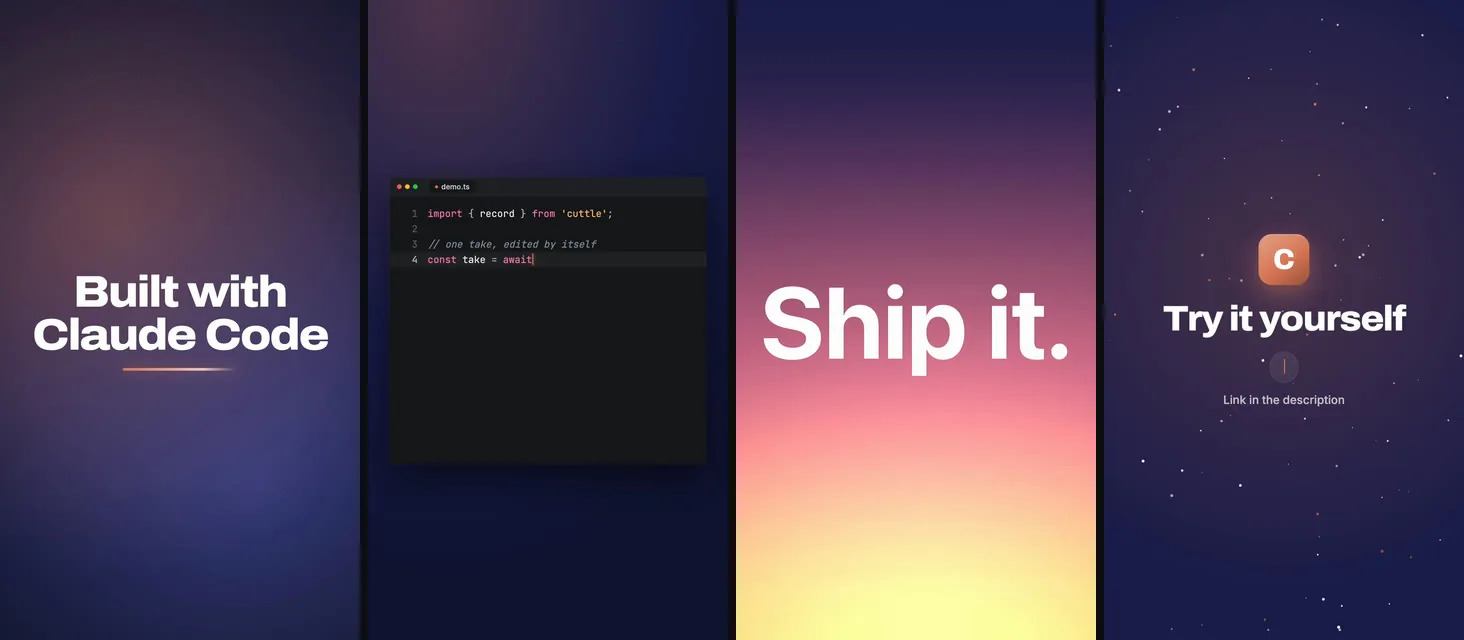
A video does not need a recording. Every scene can be a web page, kinetic type, a chart that builds, a code editor typing itself, a laptop in 3D, and Cuttle renders it frame by frame on the video's clock. The music is a page too, composed for this video in code. Nothing is licensed or downloaded.
Claude writes these pages
Ask Claude Code for a launch video of your app. It writes the pages and the score, checks them frame by frame, and renders. Open the project in Cuttle and every page it saves plays there at once.
Record, let it cut, post
-
Record
Press ⌃⌥⇧R on a Mac or CtrlShiftAltR on Windows, and pick a window, a screen or a region. A small bar keeps the time and your mic's level. It never shows in the video, and neither does the prompter with your script.

-
Let it cut
In seconds, on your computer: idle stretches out, the waiting sped up, slips and long pauses gone, zooms where you clicked and typed, secrets masked. Fillers like “um” are cut where the picture rests.
-
Post
Change what you like, pick 16:9, 1:1 or 9:16, export. Your take stays in the project as it was recorded, so you can always cut it again.
out/16x9.mp4out/9x16.mp4
Before you ask
- Which computers?
- Macs with Apple silicon and Windows PCs (x64). A take records a window, a screen or a region, with your webcam, your mic and the computer's own sound.
- What else does it need?
- Nothing more on a Mac: ffmpeg, which records and transcribes, comes inside Cuttle. On Windows, Cuttle's first start installs ffmpeg with one click (with Windows' winget).
- What does it cost?
- The first 14 days are free, with everything. Then a license is €39.99, once, with every update for life. Without one, recording and editing stay free; exporting needs the license. Stripe sells it for us and handles the VAT.
- Do I need Claude Code?
- No. Cuttle records anything on your screen. With Claude Code you also get takes that stop when Claude has answered, its work as markers, a skill and an MCP server.
- Which permissions on a Mac?
- Screen & System Audio Recording, and when a take uses them: Microphone, Camera, Input Monitoring for the clicks and keys, Accessibility for zooms that follow your typing. The first start walks you through them in System Settings.
- And Linux?
- The command line renders videos written in code on Linux, in CI and in Docker. Recording and the app are for macOS and Windows.
Show what you built, not the four minutes it took
Try Cuttle free for 14 days, with everything. Then €39.99, once, with every update for life.
Already sure? Buy a license and paste its key into Cuttle's settings.